Open Box
NComputing L300 Ethernet Thin Client
Share one host PC across several seats via Ethernet
$149.99
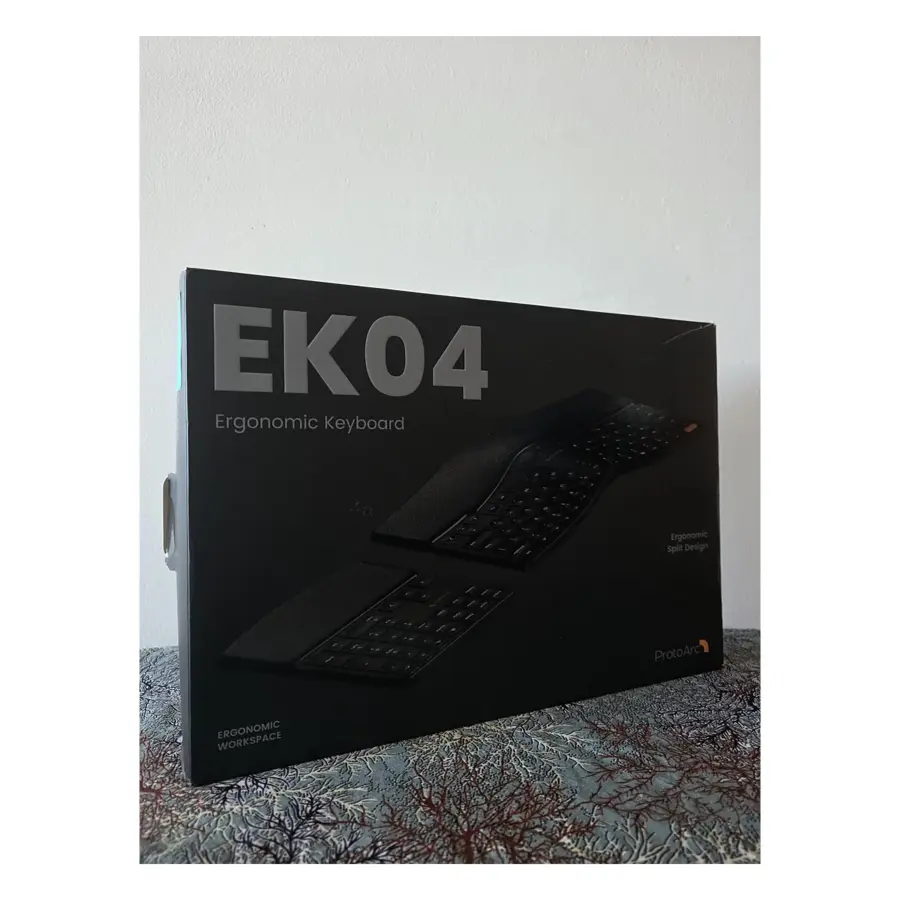
Split layout, wrist rest and a numpad you can move
$59.99
Price shown before tax. GST/HST/PST is calculated at checkout for your province.
Open box: inspected and tested
1 in stock
If your workday happens at a kitchen table or in a spare-room office, the ProtoArc EK04 ergonomic keyboard is designed to help you type in a more natural, relaxed posture. It’s a wireless keyboard with a split, wave-shaped layout, a padded wrist rest and a numeric keypad that comes as a separate piece you can put anywhere on the desk. This open-box unit is $59.99.
On a standard flat keyboard, both hands sit close together, which can angle your wrists outward and roll your shoulders in over a long day. A split design divides the keys into two angled halves, so your hands can rest closer to shoulder width. The EK04’s layout is designed to reduce muscle fatigue during long typing sessions. It isn’t a medical device, though, so if you already have wrist or shoulder pain, ask a health professional about your setup.
The built-in wrist rest gives your palms somewhere soft to settle between keystrokes, instead of the hard edge of a desk. That matters most on long writing days, when your hands rarely leave the keys.
The separate numeric keypad is what sets the EK04 apart. On most full-size keyboards, the number pad sits on the right and pushes your mouse further away, so your arm reaches out every time you grab it. With the EK04 you can:
A few general habits help with any ergonomic keyboard: keep your elbows relaxed at your sides, your forearms roughly level and your monitor around eye level. Give yourself an adjustment period, as split layouts can feel unfamiliar for the first few days, especially for keys near the middle.
The EK04 is rechargeable, with a USB charging cable in the box. Our product sheet doesn’t state the wireless connection type, battery life or supported operating systems. If you need it to work with a specific laptop, tablet or work-issued computer, contact our team before you order.
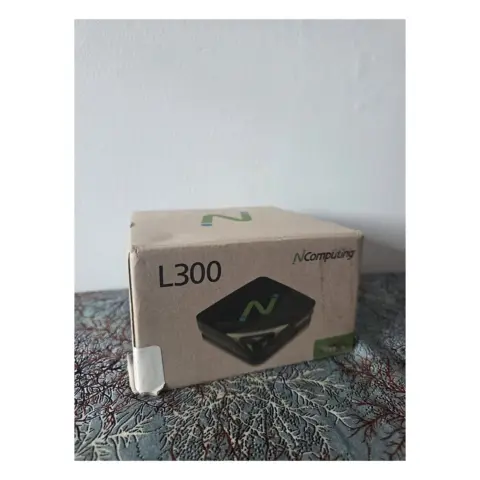
For video calls, the EMEET OfficeCore M0 Plus speakerphone picks up voices in 360° and reduces background noise and echo. If you’re setting up several desks that share one computer, the NComputing L300 thin client is worth a look. You can browse the rest of our Open Box Computer Accessories for more desk gear.
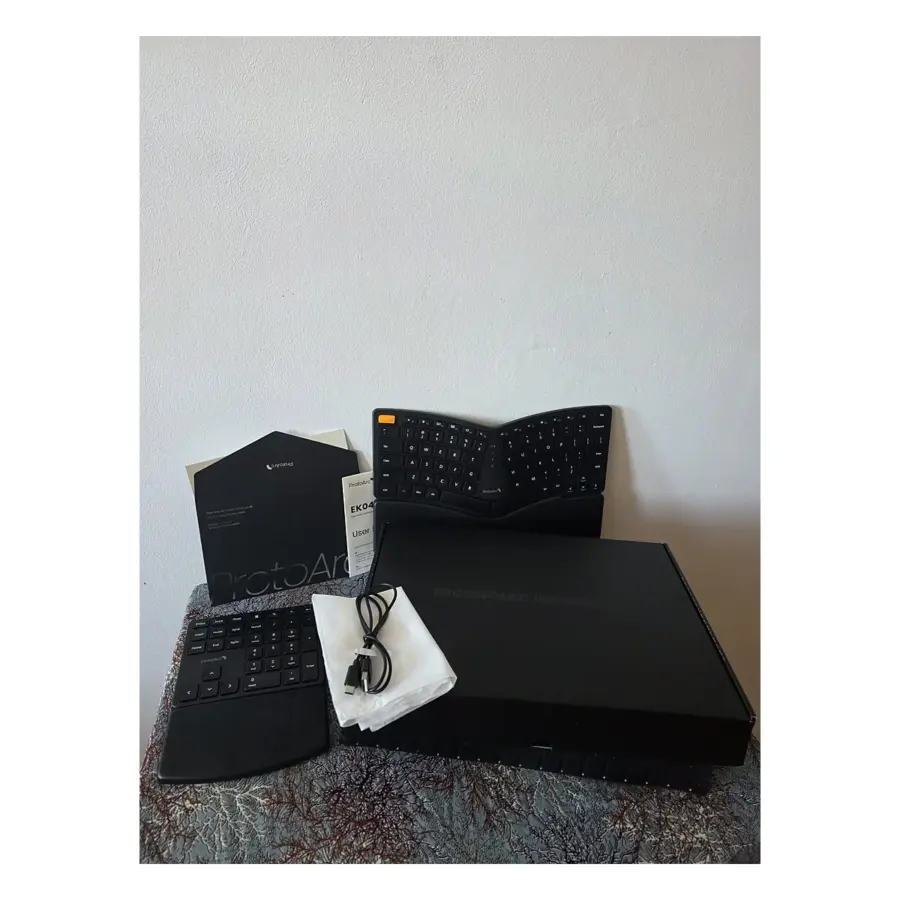
Because it’s open box, the packaging has already been opened and the keyboard isn’t sealed-new. It’s inspected and tested before it ships, and it includes the keyboard, numpad, USB charging cable, user manual and welcome documents. Our Open Box grading guide explains how we handle these items. You’re covered by a 90-day limited warranty, and you can return it within 30 days in the condition you received it. Standard shipping is $14.99, free on orders over $99.
| Brand | ProtoArc |
|---|---|
| Model | EK04 |
| Type | Wireless ergonomic keyboard |
| Layout | Split wave design |
| Numeric keypad | Separate, independent unit |
| Wrist rest | Padded, built in |
| Charging | Rechargeable via USB charging cable (included) |
Yes. The numpad is a fully independent piece, so you can set it on the left, on the right or off the desk altogether. Putting it on the left lets you keep your mouse closer to the keyboard.
Our product sheet describes the EK04 as wireless but doesn't specify the connection type, and the box contents list the keyboard, numpad, USB charging cable and documents. If you need a particular connection, email support@gadgetcanada.ca before ordering.
We can't promise that. The EK04 is designed to encourage a more natural typing posture and reduce fatigue, but comfort varies from person to person. If you have ongoing pain, talk to a health professional about your workstation.
The EK04 is rechargeable using the included USB charging cable. Battery life isn't listed in our product information, so see the manual for charging guidance.
Only logged in customers who have purchased this product may leave a review.
Reviews
There are no reviews yet.