Open Box
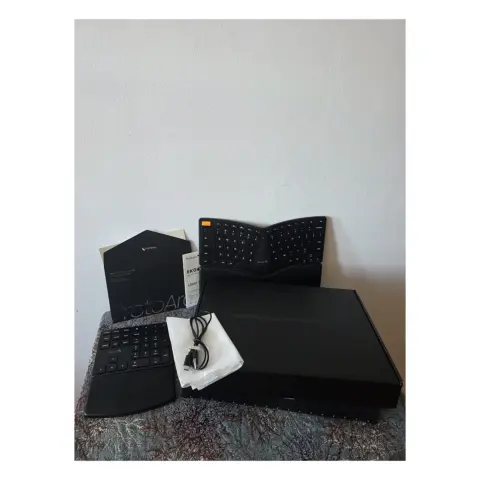
ProtoArc EK04 Wireless Ergonomic Keyboard
Split layout, wrist rest and a numpad you can move
$59.99
Share one host PC across several seats via Ethernet
$149.99
Price shown before tax. GST/HST/PST is calculated at checkout for your province.
Open box: inspected and tested
1 in stock
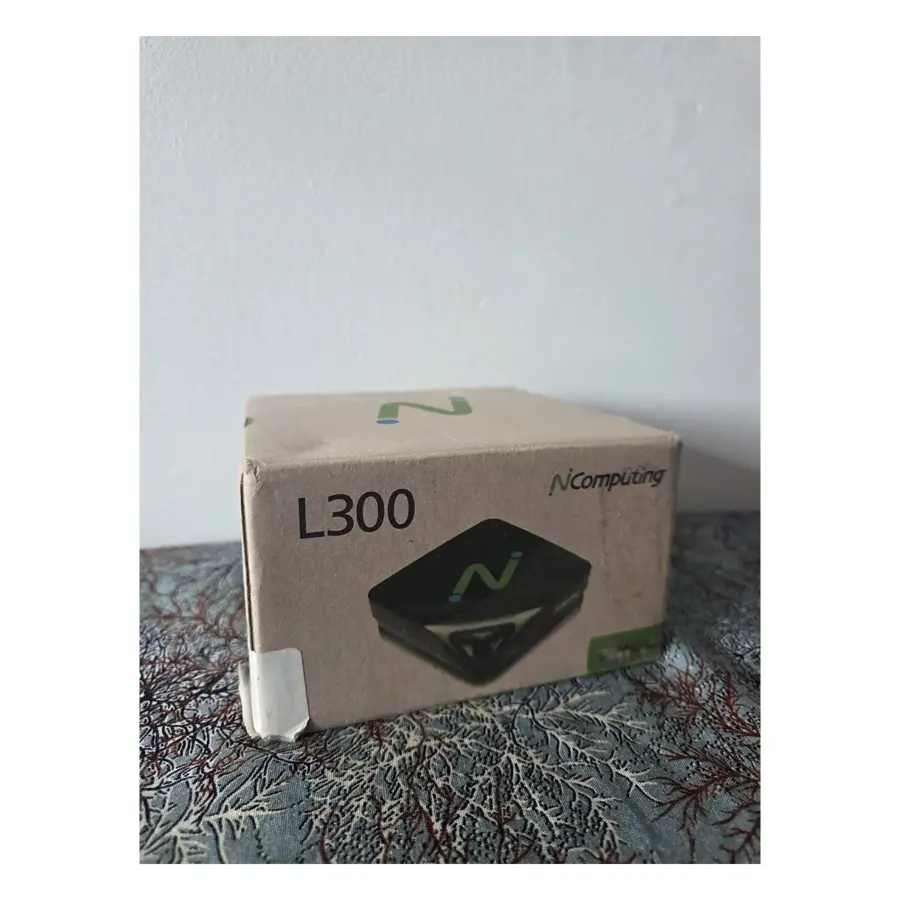
The NComputing L300 thin client is a compact box that lets several users share the resources of a single PC or central server over an Ethernet network. Rather than buying, maintaining and powering a full desktop at every seat, you connect a monitor, keyboard and mouse to each L300 and let the host do the computing. For small offices, schools and libraries, that model is designed to reduce equipment, maintenance and energy costs. This open-box unit is $149.99 and qualifies for free shipping.
Each L300 plugs into your local network through its RJ45 Ethernet port and works with vSpace Pro desktop virtualization software. The vSpace software is also used to deploy and manage stations centrally, which helps when there’s no full-time IT person on site. According to the product information, the experience is meant to run smoothly for office work, web browsing and HD multimedia playback.
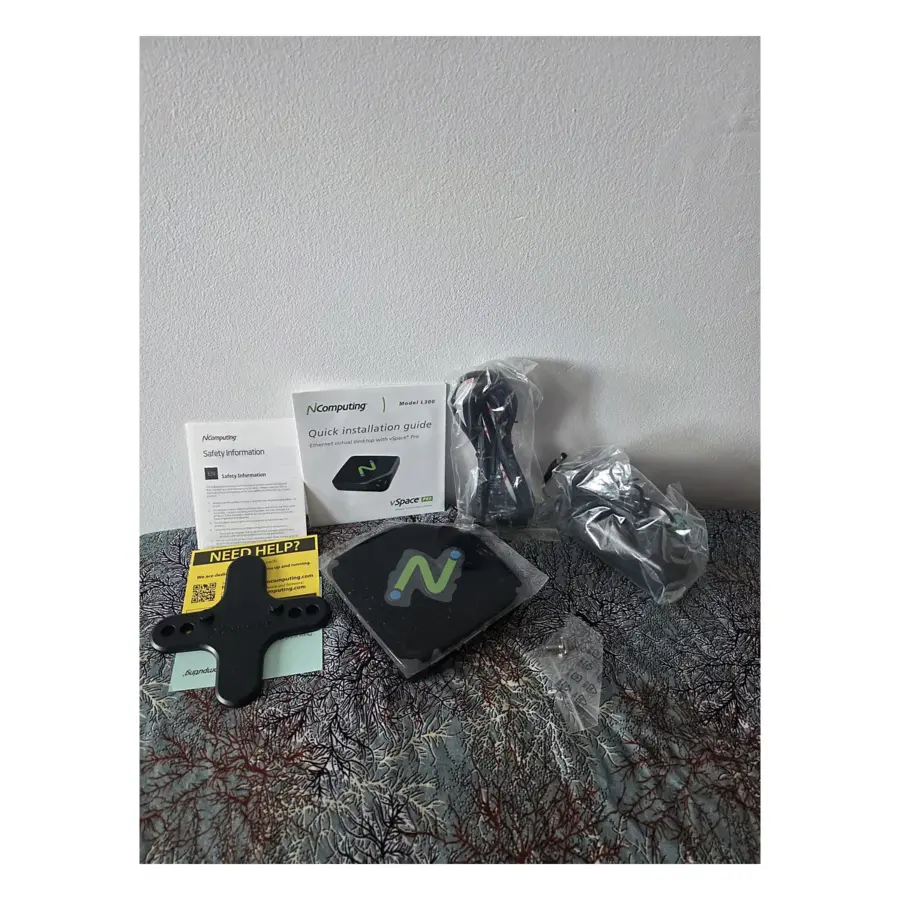
The L300 is the hardware endpoint. The kit contains the unit, a power supply, a VESA bracket with screws, installation guides and the original box, and no software licence is listed. Before ordering, check with the vSpace Pro software vendor what your host computer needs, which host software applies and how licensing works for the number of seats you plan to run. Our product sheet doesn’t state how many stations one host can support, so confirm that with the vendor too.
| Setting | Typical use |
|---|---|
| Small office | Reception, admin and order-entry desks sharing one host |
| School lab or classroom | Student stations for documents, research and browsing, managed centrally |
| Library or front counter | Catalogue and check-in stations where quiet matters |
With no moving parts and no internal hard drive, the L300 runs silently, a real plus in a classroom, library or open-plan office. The manufacturer also presents the lack of a local drive as a data-security benefit, and says the unit uses a fraction of the electricity of a typical desktop. The included VESA bracket lets you mount it on the back of a monitor to free up desk space.
Video output is VGA, so check that each monitor has a VGA input before you order.
Every seat still needs its own monitor, keyboard and mouse. Our Open Box Computer Accessories section is a good place to start, including the ProtoArc EK04 ergonomic keyboard for staff who type all day (ask us about its connection type first). For a small meeting room, the EMEET OfficeCore M0 Plus speakerphone is another option.
As an open-box item, this L300 has had its packaging opened and isn’t sealed-new. It’s inspected and tested before shipping, as described in our Open Box grading guide. It carries a 90-day limited warranty and 30-day returns in the condition received. At $149.99 it ships free anywhere in Canada, and sales tax is calculated at checkout for your province. Equipping a lab or office? Email support@gadgetcanada.ca to ask about availability.
| Brand | NComputing |
|---|---|
| Model | L300 (Ethernet Virtual Desktop) |
| Technology | vSpace Pro desktop virtualization |
| Network | Ethernet (RJ45) |
| Video output | VGA |
| Other ports | USB (keyboard, mouse, peripherals), audio and microphone jacks, power |
| Mounting | VESA bracket with screws (included) |
No software licence is listed in the kit, which includes the L300, power supply, VESA bracket with screws, installation guides and original box. Check host software and licensing requirements with the vSpace Pro software vendor before you buy.
Our product sheet doesn't give a number. It depends on your host computer and the software, so confirm the supported number of stations with the software vendor while you plan your setup.
The L300's video output is VGA, so each monitor needs a VGA input. You'll also connect a keyboard and mouse to its USB ports, and speakers or a headset to the audio and microphone jacks if needed.
Our product information lists Ethernet (RJ45) as the network connection and doesn't mention Wi-Fi, so plan a wired network cable to each station.
Only logged in customers who have purchased this product may leave a review.
Reviews
There are no reviews yet.